> ## Documentation Index
> Fetch the complete documentation index at: https://docs.abs.xyz/llms.txt
> Use this file to discover all available pages before exploring further.
# Using Crossmint
> Allow users to purchase on-chain items using FIAT currencies via Crossmint.
[Crossmint](https://www.crossmint.com/) enables checkout flows that let users buy on-chain items (like NFTs) using FIAT currency through traditional payment methods such as credit cards, Google Pay, and Apple Pay.
View a demo application that uses AGW and Crossmint to test the flow.
Use our example repo to quickly get started with AGW and Crossmint.
## Integrating Crossmint
Create a [Crossmint Token Collection](https://docs.crossmint.com/payments/guides/create-collection) via the Crossmint Console:
* [Crossmint Console](https://staging.crossmint.com/console): Abstract Mainnet
* [Crossmint Staging Console](https://staging.crossmint.com/console): Abstract Testnet
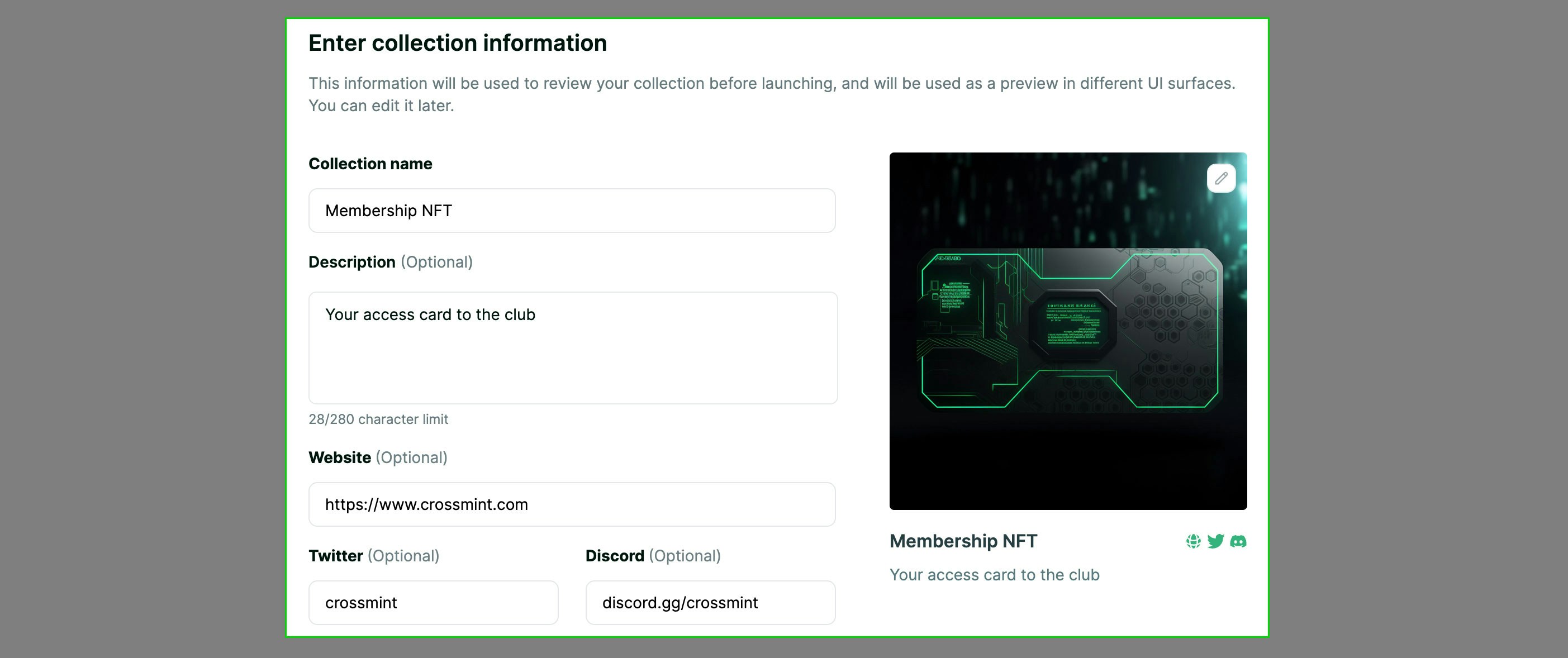
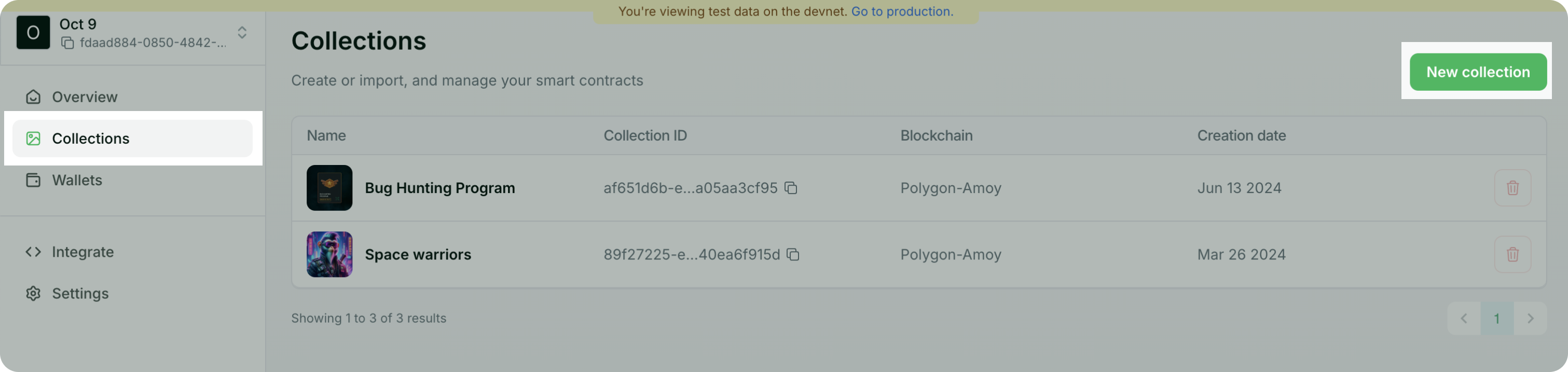 Create a new collection or import an existing one using the Crossmint Console. Follow the [Crossmint Guide](https://docs.crossmint.com/payments/guides/create-collection) for more details.
 Embed the [Crossmint Checkout Widget](https://docs.crossmint.com/payments/embedded/quickstarts/credit-card-nft) in your application using the following steps.
Create and populate the following environment variables in your application:
```bash theme={null}
NEXT_PUBLIC_CROSSMINT_API_KEY=your_crossmint_client_api_key # From API Keys page
NEXT_PUBLIC_CROSSMINT_COLLECTION_ID=your_collection_id # From Collection details page
```
Wrap your application in the `CrossmintProvider` component:
```tsx {14,16} theme={null}
"use client";
import { AbstractWalletProvider } from "@abstract-foundation/agw-react";
import { CrossmintProvider } from "@crossmint/client-sdk-react-ui";
import { abstractTestnet } from "viem/chains";
export default function AbstractWalletWrapper({
children,
}: {
children: React.ReactNode;
}) {
return (
{children}
);
}
```
Use the `CrossmintEmbeddedCheckout` component to present the checkout widget:
```tsx theme={null}
```
Test your integration using the card numbers below.
* Success: `4242 4242 4242 4242`
* Decline: `4000 0000 0000 0002`
Embed the [Crossmint Checkout Widget](https://docs.crossmint.com/payments/embedded/quickstarts/credit-card-nft) in your application using the following steps.
Create and populate the following environment variables in your application:
```bash theme={null}
NEXT_PUBLIC_CROSSMINT_API_KEY=your_crossmint_client_api_key # From API Keys page
NEXT_PUBLIC_CROSSMINT_COLLECTION_ID=your_collection_id # From Collection details page
```
Wrap your application in the `CrossmintProvider` component:
```tsx {14,16} theme={null}
"use client";
import { AbstractWalletProvider } from "@abstract-foundation/agw-react";
import { CrossmintProvider } from "@crossmint/client-sdk-react-ui";
import { abstractTestnet } from "viem/chains";
export default function AbstractWalletWrapper({
children,
}: {
children: React.ReactNode;
}) {
return (
{children}
);
}
```
Use the `CrossmintEmbeddedCheckout` component to present the checkout widget:
```tsx theme={null}
```
Test your integration using the card numbers below.
* Success: `4242 4242 4242 4242`
* Decline: `4000 0000 0000 0002`